

Let’s keep your mobile banking worry free
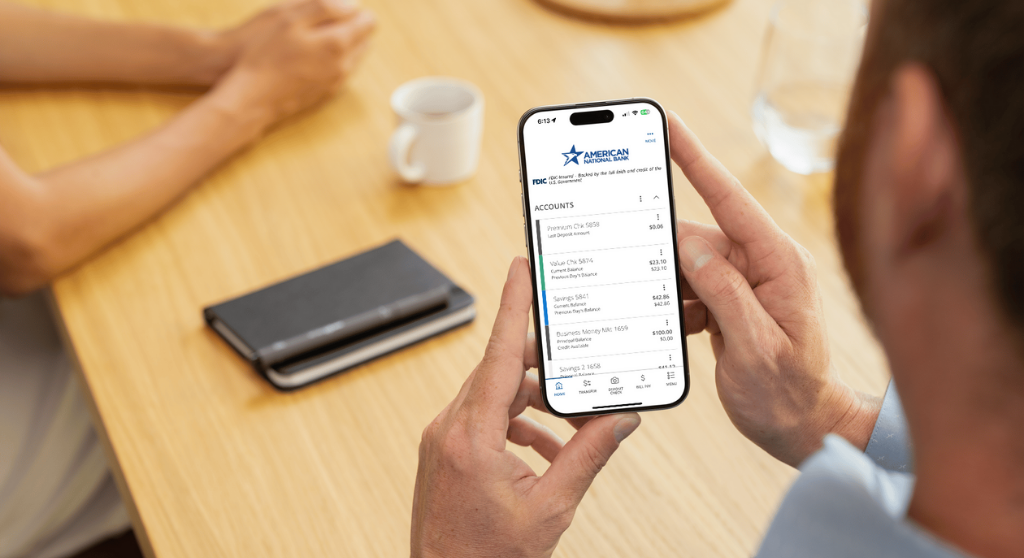
Mobile banking is now a way of life. According to the American Bankers Association, 48% of Americans use mobile as they’re preferred way to bank, which means there’s a tremendous amount of financial data in the air at any given moment. All that information is a tempting target for hackers, so it’s important to stay current on how to keep your mobile banking activity safe and sound.
At ANB, we consider ourselves as your first line of defense. Our online banking and mobile apps (ANB Go and ANB Go Business) use best-in-class security. We also have a duty to provide you with fraud prevention knowledge to implement at home–including how to spot the most common types of scams.
Fraudsters are out there, but there are ways to spot and protect yourself from each of their tactics. By using these tips, you can feel confident every time you sign in.
Keep your device secure
Protecting your device is a top priority, and your phone or tablet should always be password protected or use biometric authentication (a fingerprint or face scan) to keep out unwanted users. These unwanted users could be someone who grabs your device in a public space, or even guests in your own home.
You can also safeguard your device by exclusively downloading apps from trusted sites like Apple’s App Store or Google Play. Both companies diligently review each app before offering it to the public. Once downloaded, most apps will ask for a variety of permissions, some that are frankly unnecessary. Only grant permissions that are needed for app functionality. Finally, always update your apps and device software when new versions become available.
When your phone or tablet needs to be repaired, look for a reputable repair service with stellar reviews. Beforehand, sign out of all accounts and apps that contain confidential information. If possible, stay present with the technician during the repair. If your device needs to be replaced, delete all apps, back up your data and restore it to factory settings.
Beware of “shoulder surfing”
When you’re in public, be mindful of your surroundings, Fraudsters and even curious bystanders can glance at your screen while you enter a password or look at an account balance. Tilt your screen away from other users, use a privacy screen protector if possible and avoid logging in while someone is standing behind you.
Use pro-level passwords
Have you ever repeated the same password for business and personal use? Do you use passwords with publicly available info like your address? Are all your passwords only slight variations of each other? If so, then it’s time to change those habits.
Short passwords, as much as we love them, need to be upgraded to longer passphrases between 14 to 20 characters. Use something familiar and memorable as a foundation. A phrase like “my dog is yellow and fun” can transform into a final passphrase like “MyD0G1sYe!!ow&Fun” or another combination of numerals, capitalization and special characters.
It can also be tempting to use notebook apps to store financial information or passwords, but it’s not recommended. Instead, use a password manager app. These are different than your browser’s password manager and have more security features.
Every app that transfers financial data (including shopping apps) should also use two-factor authentication. Our apps require a password and a time-sensitive code that is sent whenever you log in.
Always use a secure connection
When using apps or the internet in public, especially ones like your banking app that contain sensitive personal information, consider avoiding public Wi-Fi networks and opt for your cellular data instead. Cellular encryption is difficult to breach, and public Wi-Fi is an easy opportunity for hackers. Cybercriminals can also set up fake Wi-Fi hotspots (also known as “evil twin networks”) that resemble legitimate networks to capture your data. If you need to do your banking on a laptop, use your phone as a mobile hotspot instead of public Wi-Fi.
Bluetooth should also be managed. We opt for extra caution and encourage you to disable your Bluetooth signal before banking, even if you’re listening to music with wireless headphones. Are we being sticklers? Absolutely—but that’s part of being a bank with a reputation for stability and strength.
Consider additional protection
Anti-virus and anti-malware apps are available if you’d like to take your digital security one step further. Each will extend your security measures while continually scanning your device for threats.
You can also download apps or software that provide a virtual private network (VPN). A VPN bolsters security with an encoded pathway between your device and a server with complex algorithms. When your data arrives at the VPN server, it’s unencrypted and sent to the intended destination. VPNs are also flexible and can secure specific apps or all your data.
Know how to spot a phishing scam
Fraudsters use mobile device phishing scams to impersonate a person or business to gain access to your finances. Phishing scams can arrive as an email, text message or phone call. They’ll look and sound official (“Hello, this is the IRS”), pretend to look out for your best interests (“We noticed unusual account behavior”) or prey on your habit of being a good person (“Donate to your new neighborhood watch”). However, all phishing scams have several factors in common that make them easy to spot.
- Phishing scams apply pressure
Scammers love to fake an emergency. They’ll impersonate a credit card company and urgently request a password to fix a security issue. They’ll pretend to be a friend or colleague who needs an account number ASAP to make an important purchase. The strange behavior and rushed requests should tip you off immediately.
- Phishers make incredible offers
A scam may start by offering a huge financial prize, but only if you pay up first. Others provide deals that seem too good to be true or make offers that are valid for one day only. These offers are tempting, but financial security—or any other wild promise—will never arrive through an unsolicited phone call. These scams always have new iterations, and the Consumer Financial Protection Bureau can help you stay informed.
- Always use patience
Your response to pressure should be patience. Hasty decisions based on fear from a fake alert are how financial mistakes are made. So, pause and examine the message. Is the text from an unknown sender? Does the message have spelling errors (common in scams from overseas)? Does the URL match the name of the company? If not, there’s no reason to respond. If these unknown emails and texts have an attached file, don’t open it. All kinds of malware could lurk inside. Hit delete instead.
- Do not respond to phishing attempts
Never engage in a suspected phishing attempt. Instead, contact the mentioned organization through an official channel. They’ll be able to tell you if the request was legitimate. If not, you can alert them about a potential scam.
Bank with confidence
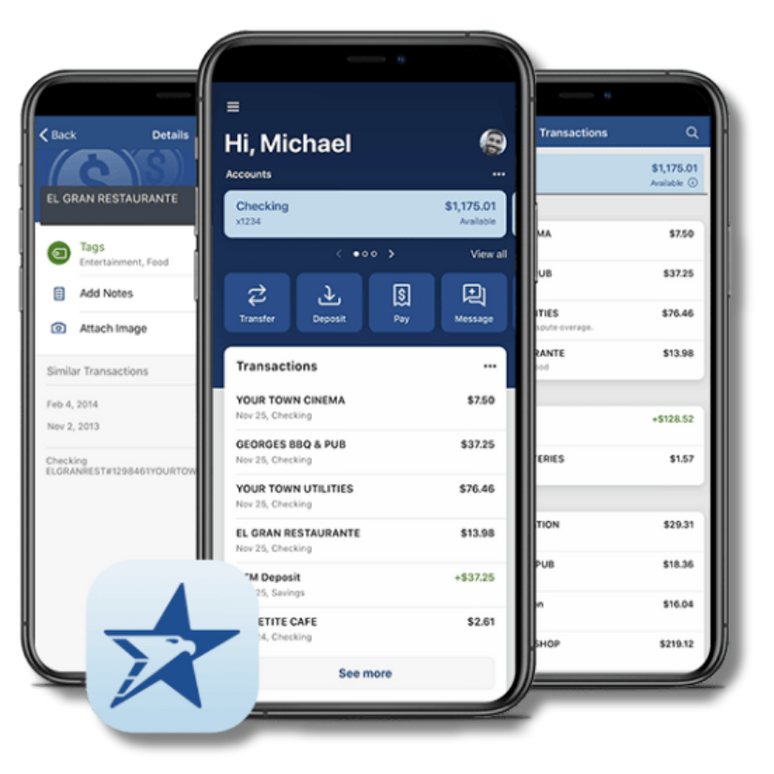
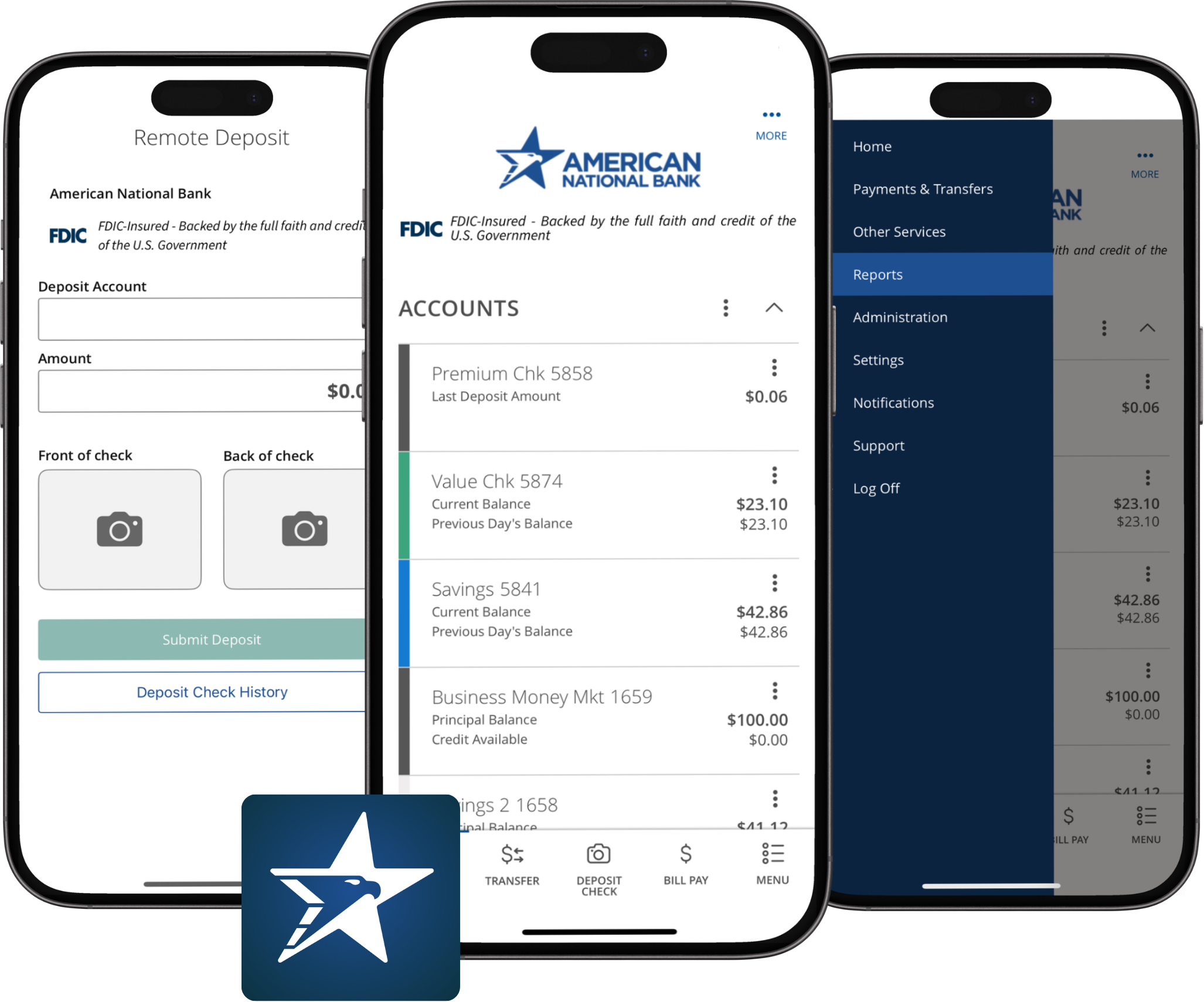
You now have the knowledge to improve your digital security. If you’re looking for a banking app that helps you do more with your finances, check out ANB Go or ANB Go Business. It has everything you need to manage and monitor your finances like an expert.
Download ANB Go


Download ANB Go Business
What to do if you think you’re a victim of fraud
If you notice suspicious activity or suspect you’ve fallen victim to fraud impacting your ANB account(s), contact your banker or our support team immediately.
- Treasury Services Support: 833-774-6897 or [email protected]
- Personal Banking Client Support: 800-279-0007 or [email protected]
Contact your local law enforcement agency and report the issue to the Internet Crime Complaint Center branch of the FBI. You can file a complaint online directly with this agency, as they’re specifically equipped to deal with these types of issues. There are also resources on their website where you can learn more about different types of cybercrime and how you can keep your most important data protected from criminals online.
Articles contained in our news section are not intended to provide recommendations or specific advice. Consult with a professional when making financial decisions. Once published, articles are not updated; information may be outdated.
