

Let’s keep your mobile banking worry free
Fraud and scams are increasing every year, both in the number of scams and their cost. The Federal Trade Commission (FTC) reports that consumers lost $12.5 billion to fraud in 2024, which is a 25% increase from the year before.
Scammers contact their victims using text messages, phone calls, emails, and social media posts with offers that seem too good to be true. They may trick someone into revealing their Social Security number, sending them money, or granting access to their bank accounts. They could even pretend to be family members in need of immediate financial help.
With these fraud prevention tips and newfound fraud awareness, you’ll be more prepared to protect your family, identity, accounts and finances.
1. Fraud awareness starts with every interaction
You don’t have to be aware of every scam out there, but you do have to remain vigilant and watch out for the signs of fraud in all your interactions over email, phone calls, text messages and social media. Once you start practicing, being fraud aware will seem like second nature.
Investment scams were the leading cause of losses in 2024 at $5.7 billion, according to the FTC, followed by imposter scams at $2.95 billion. Consumers lost more money to scams involving bank transfers and cryptocurrencies than all other payment methods combined. Government imposter scams jumped from $171 million in 2023 to $789 million in 2024. Job opportunity and employment agency scams rose from $90 million in 2024 to $501 million last year.
2. Don’t interact with the unknown
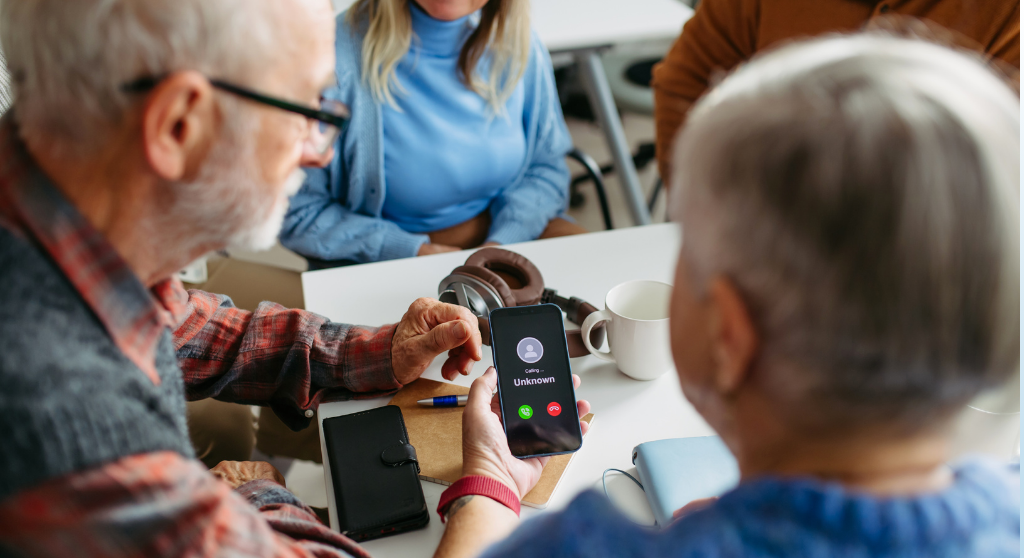
If you receive a call, text or email from someone you don’t know who is offering an amazing or unbelievable opportunity, it’s okay to ignore them or block them from contacting you again.
Scammers have ways of impersonating emails and phone numbers, so whatever contact information shows up might not be legitimate. If you do answer the phone, don’t reveal any personal information (not even your name) until you’ve investigated the caller and verified they’re legitimate. Don’t be afraid to just hang up if you sense that something doesn’t seem right about the call.
3. Know the signs of a scam
While scammers constantly change their tactics, many scams still rely on the same core strategies. While poor grammar and spelling mistakes used to be an easy way of spotting scams, fraudsters are increasingly using artificial intelligence to create messages that sound more convincing than ever. One of the biggest shifts in recent years is that fraudsters are using artificial intelligence to create messages that sound polished, professional and convincing.
A common red flag is when a message appears to come from someone familiar but uses a different email address or phone number than usual. If the message claims to be from a business, such as your bank or credit card company, pause and contact the business directly using its main phone number.
Scammers will also pretend to be friends or family members. To counter this, create a spoken password or written password that is only shared with people you’re close to. Yes, spoken passwords sound like something out of spy movies, but they are an effective way to prevent fraud. .
Scammers also frequently impersonate government agencies, such as the IRS or Social Security Administration. In general, the IRS initiates contact through official letters, not unexpected calls or emails. While government agencies may contact you electronically if you have an existing case, always check the sender’s email address carefully. Legitimate government emails will end in “.gov,” such as @ssa.gov.
Another hallmark of a scam is urgency. Fraudsters often pressure victims to act immediately, warning of dire consequences or one-time-only opportunities. This sense of urgency is intentional, and is designed to stop you from thinking, verifying information or asking questions. If someone insists you must act now, that alone is a reason to slow down and be suspicious.
Be especially cautious if you’re instructed to send money using a wire transfer, gift cards or cryptocurrency, or if you’re told to lie to your bank about the purpose of a transaction. These requests are major red flags and are almost always signs of a scam.
When in doubt, trust your instincts. If something feels off, take a step back, and reach out to your bank or a trusted source before taking action.
4. Only share sensitive info when you initiate contact
Reputable companies, like ANB, will never call you out of the blue and ask for your personal information. If someone contacts you and asks you to verify or confirm your personal information, that’s a reason to be suspicious. A scammer might ask for your passwords, account numbers, Social Security number, date of birth and other vital information. They might claim you need to reset your password, and that you need to do so over the phone with a link. Consider each a big red sign to stop immediately.
Only share sensitive information when you’re the one making contact first. If someone initiates contact with you, write down their information and reach out to whichever company they claim to represent—using a number that you found from the company’s website, your account statement, or the number on the back of your debit or credit card.
5. Manage your passwords and credit card info
The fewer companies that have your credit card and bank account information on hand, the more secure you’re going to be. Contactless payments using a credit or debit card are highly secure because of tokenization. When you make a payment, the merchant receives a digital “token” that can only be used to receive funds from that transaction.
It’s also time to change shorter passwords to longer pass phrases that have at least 24 characters and a combination of capitalized and uncapitalized letters, plus numbers and signs. It’s also important not to use the same password for more than one account. Multifactor authentication can add an extra layer of security, where you would have to approve every account logon through an app on your phone or a code you receive by text. This way, even if someone hacked your password, your multifactor requirement could still prevent them from gaining access to your accounts.
You might also consider using a password manager with an extension on your web browsers. The password manager can generate complicated passwords and store them for you. This way, you would only need to remember one complicated password for your password manager.
You can also consider using a digital wallet to store your passwords and payment information on your phone, which would reduce your need to carry physical credit or debit cards. Just make sure you have a secure password for your digital wallet and the phone itself for two layers of security.
6. Freeze your credit
It’s a good idea to check your credit score at least once a year to look for signs of fraud, such as accounts or credit cards that you didn’t open. You can get a free credit report each week from AnnualCreditReport.com. This service used to be available once per year, but you can now check your credit weekly.
If you see any signs of suspicious or fraudulent activity, you can contact the credit bureau that lists the information. They are: Equifax, Experian, and TransUnion. You can also contact each of these bureaus to freeze your own credit, which prevents scammers from opening unauthorized accounts in your name. This will not affect your credit score, and you can still use your existing credit cards. If you need to apply for a loan, you can temporarily unfreeze your credit to do so.
7. Make the shift, stay fraud aware
Better fraud prevention habits can start today. Vigilance and verification are crucial in avoiding scams, as is doing what you can to secure your accounts and your credit. These simple actions can create real barriers that keep you safe from scams. Visit our fraud prevention page and gain even more insight on how to prevent fraud.
Download ANB Card Controls
You can also download the ANB Card Controls app for further fraud prevention. You’ll have more control over when, where and how your cards are used. This includes setting up spending limits, freezing cards and more.



Recent Updates
- No results found.
